| Главная· Трекер· Поиск· Правила· FAQ· Группы· Пользователи· Юзербары· Запрос· Доска почета· Топ 30 |
Вы используете устаревший браузер. Сайт может отображаться некорректно.
|
Регистрация
·
Вход
|
Duplicate File Detective 6.2.58 Enterprise [2019, ENG\\RUS\\UK
|

|
Главная » Программы | Дизайн » Системные программы » Архиваторы и файловые менеджеры | [] |
|
|
| Автор | Сообщение
|
|---|---|
Sigurd ® Пол: Стаж: 14 лет Сообщений: 2440 Репутация: 0 [+] [-]
|
Sigurd ·
Duplicate File Detective 6.2.58 EnterpriseРусский и украинский перевод: Kopejkin-Год/Дата Выпуска: 9 июля 2019
Разрядность: 32bit, 64bit Версия: 6.2.58 Разработчик: Key Metric Software Официальный сайт: Duplicate File Detective Язык интерфейса: Английский Русский и украинский - только для версии 64-bit Таблэтка: вылечено Тип лекарства: замена файлов Системные требования: Windows 10, 8, 7, Vista, XP, Windows Server 2016, 2012, 2008, 2003 Описание: Программа Duplicate File Detective, используя современную технологию анализа содержимого файла, помогает выполнить поиск дубликатов файлов в папках на жестких дисках, съемных устройствах хранения и даже на сетевых ресурсах. Затем быстро и безопасно переместить, архивировать или удалить найденные дубликаты. Поиск и удаление дублирующихся файлов - не просто освобождение места на диске, а уменьшение затрат на длительные операции резервного копирования, обеспечение порядка в местах хранения, ускорение поиска и процесса индексирования файлов. Также программа Duplicate File Detective может заменить перемещенные или удаленные дубликаты файлов ссылками на оригинал. Особенности:
Что нового:
Improvement - Enhanced digital signature applied to all executable components. Bug fix: Setting "show top n" file types/owners to zero would result in a crash during duplicate search operations. Версия 6.2.54(21 июня 2019) Bug fix: Fixed incorrect ribbon bar icon placement when resizing main window. Bug fix: Fixed issue with buffer invalidation during certain SID resolution operations. Версия 6.2.53(10 июня 2019) Bug fix: Fixed crash that could occur when using certain quick access ribbon bar commands with print preview active. Bug fix: Fixed rare potential access violation during file system object owner name resolution. Bug fix: Fixed constrained report tooltip widths in high resolution environments. Bug fix: Scheduled tasks no longer impose a three-day run time limit by default. Bug fix: Update checker desktop popup window links were not working consistently. Bug fix: Improved layout of update checker desktop popup window. Bug fix: Automatic update checks were not properly initiated. Версия 6.2.52(28 мая 2019) Feature: Added official support for Windows Server 2019. Feature: Added support for single and multi consultant licenses. Feature: Updated cryptographic libraries for improved file hashing performance. Feature: Task scheduling features have been updated to support new COM interfaces available on Vista and later. Feature: Scheduled tasks created by FolderSizes now run with highest available privileges. Feature: Added orphaned scheduled task check on scheduler dialog startup. Feature: Improved standards conformance of data exported to HTML file format. Feature: Improved compatibility, security, and performance of all Excel export features. Bug fix: Scheduling Excel file report creation wasn't generating the correct export command line parameter. Bug fix: Fixed potential crash during file processing log output. Bug fix: Fixed crash that occurred when changing theme with print preview active. Bug fix: Fixes to non-inclusive search path mode functionality. Bug fix: Fixed rare issue with partial hash optimization causing incorrect comparison partitioning. Bug fix: Fixed interpolation of open and rename ribbon bar icons (home tab). Bug fix: Now installing primitive symbols needed to work around Windows 10 untrusted font blocking. Bug fix: Updated zip compression components to eliminate zip slip vulnerability. Change: Support for Windows XP and Server 2003 has been discontinued. Лечение и локализация:
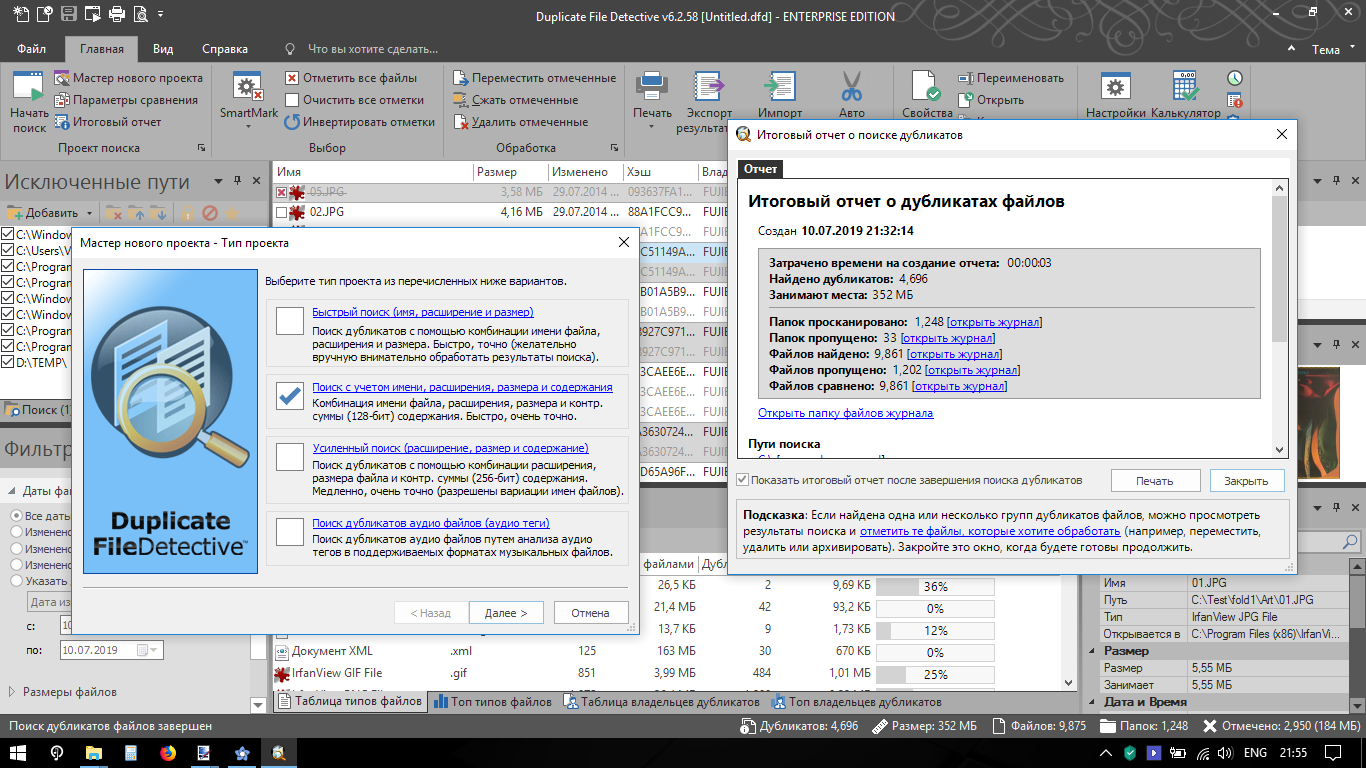
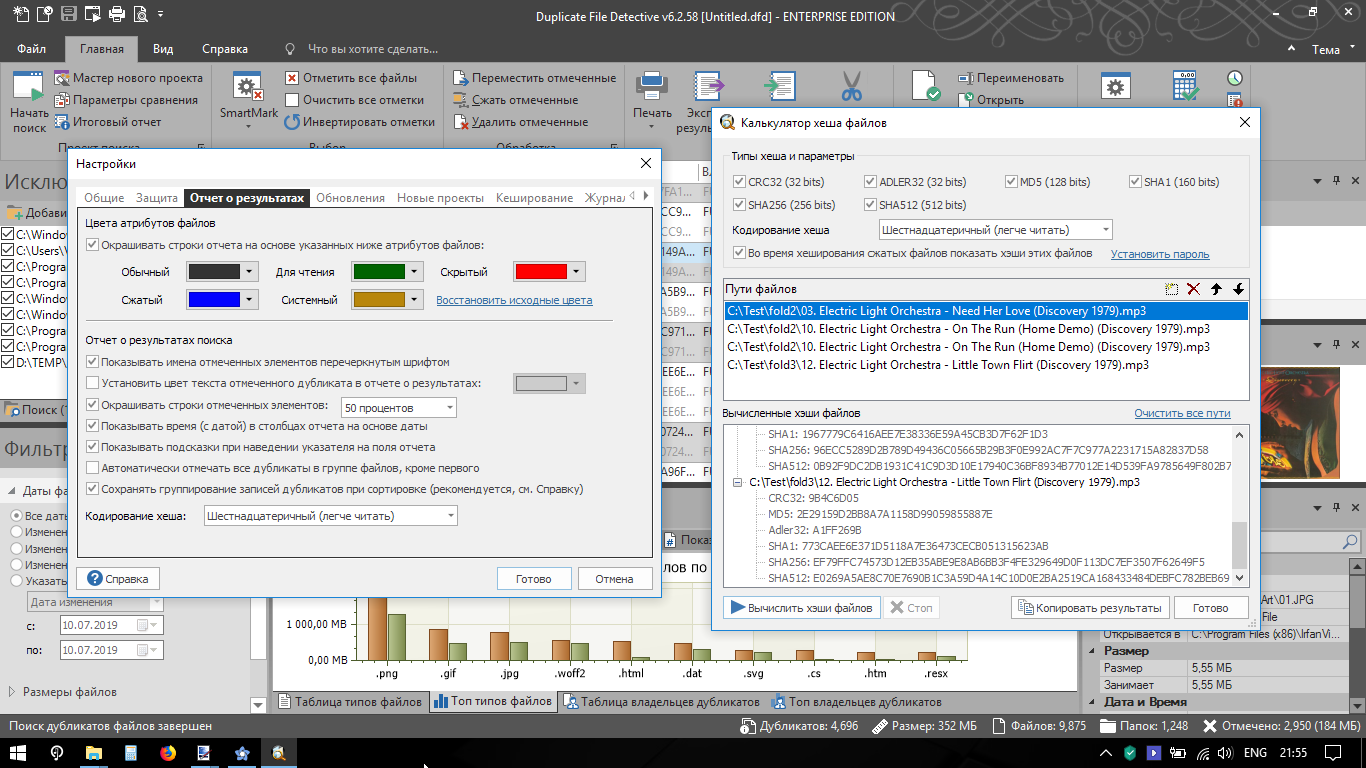
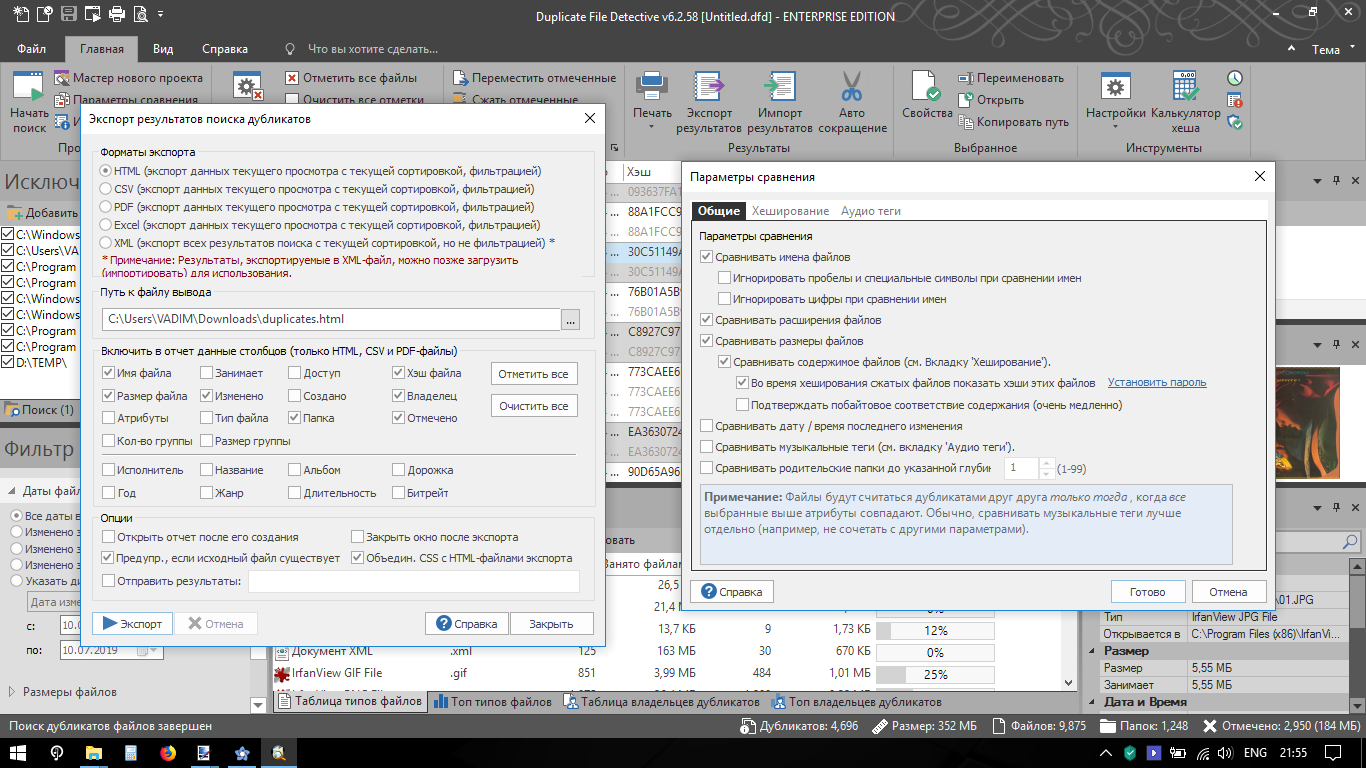
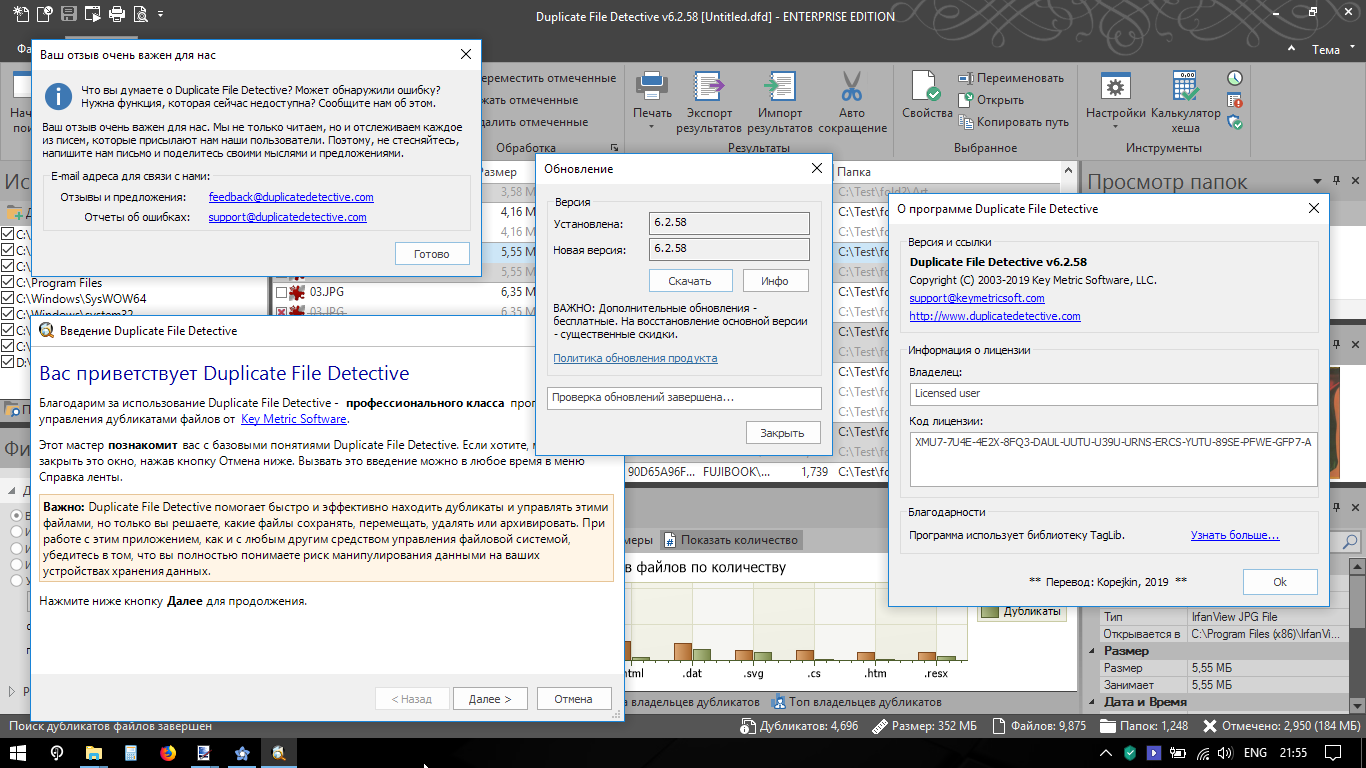
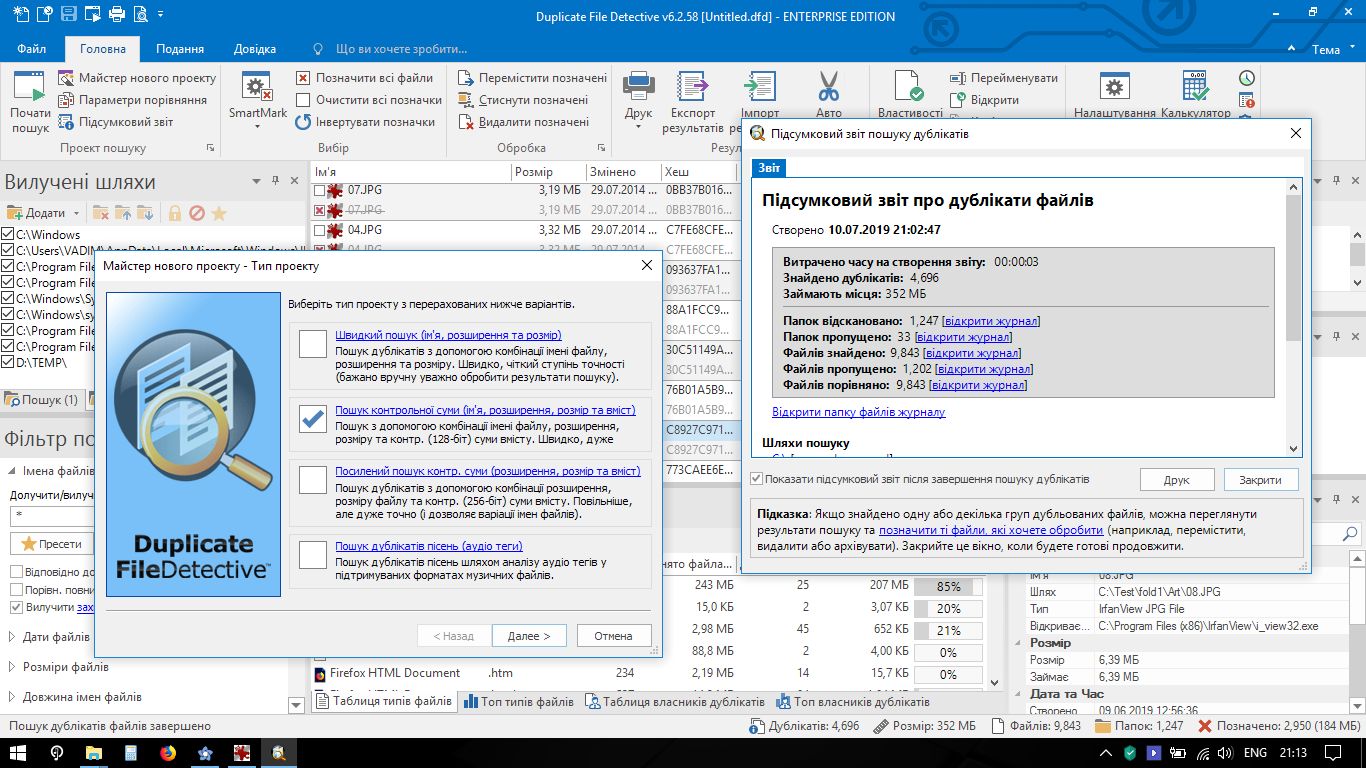
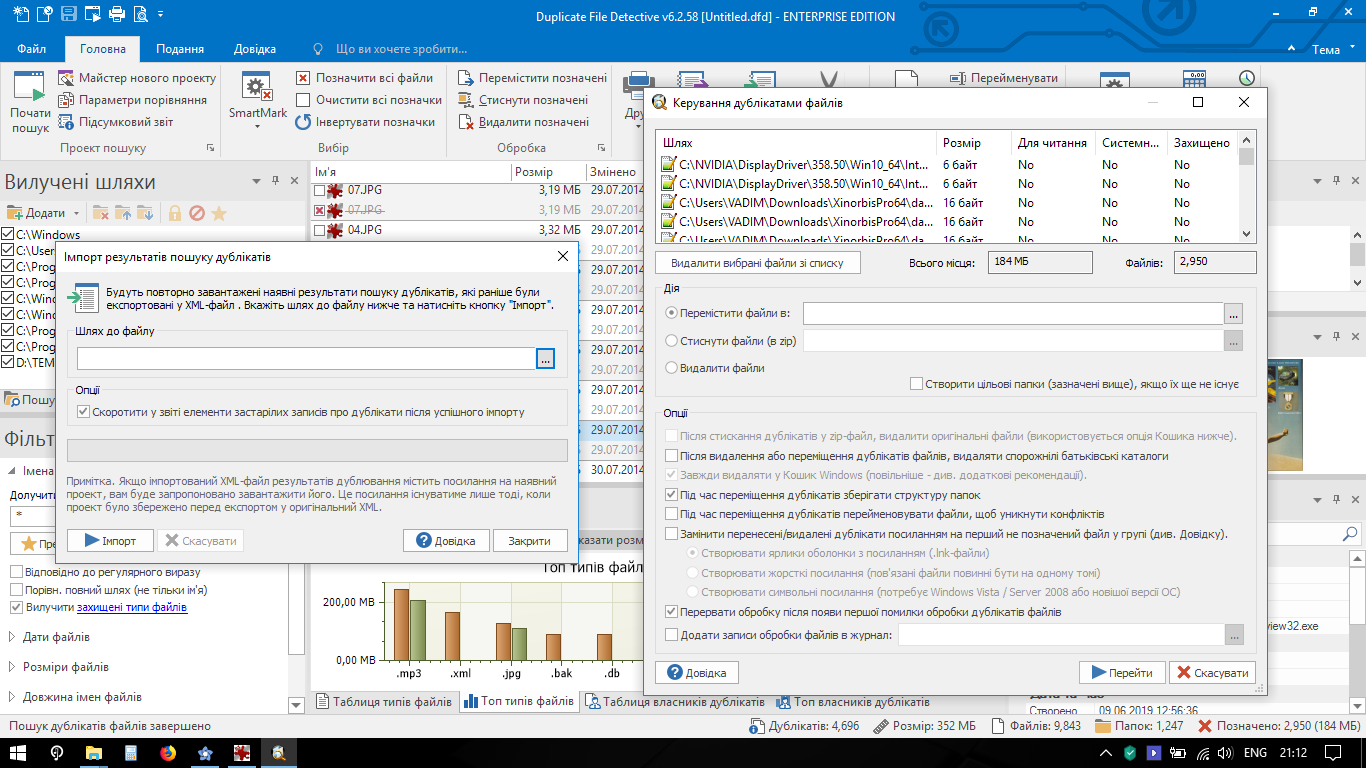
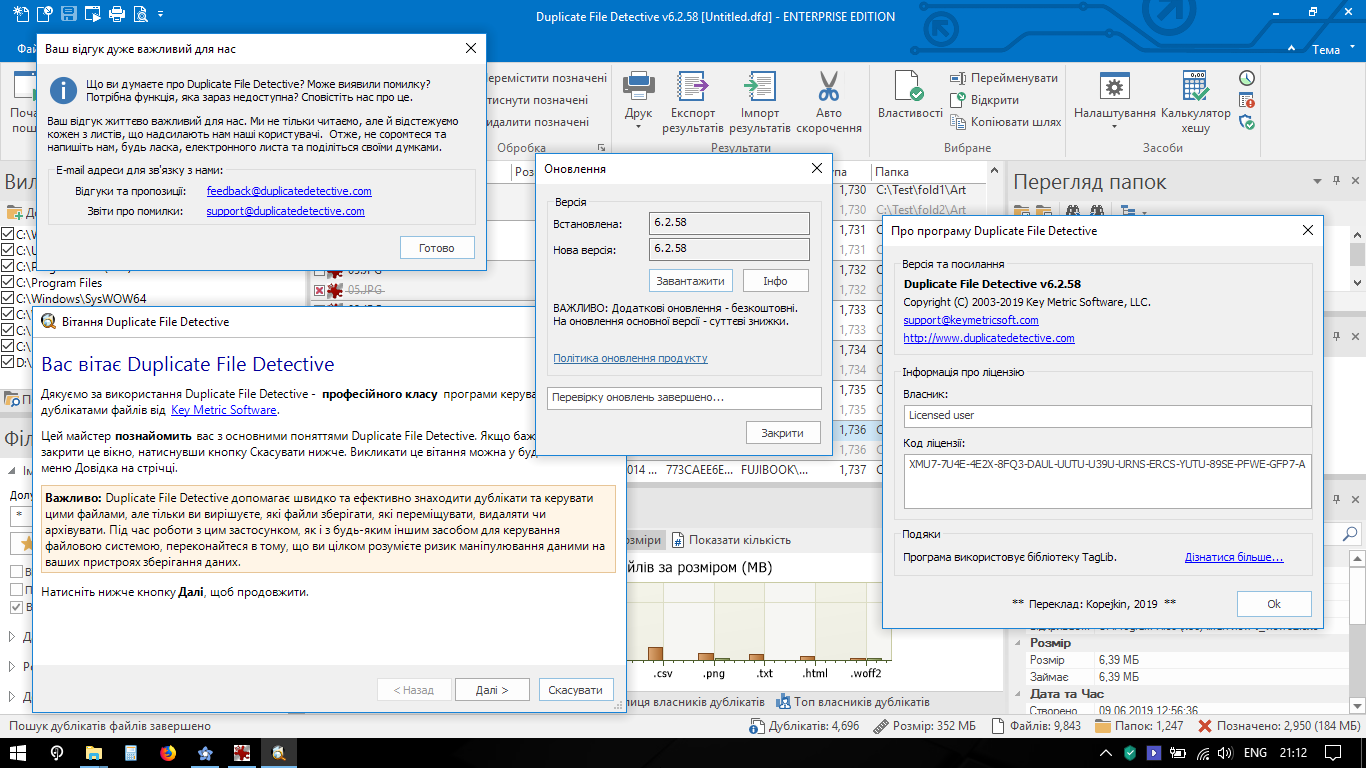
Скриншоты окна About |



|
|
Главная » Программы | Дизайн » Системные программы » Архиваторы и файловые менеджеры |
Текущее время: 22-Мар 01:48
Часовой пояс: UTC + 2
Вы не можете начинать темы
Вы не можете отвечать на сообщения Вы не можете редактировать свои сообщения Вы не можете удалять свои сообщения Вы не можете голосовать в опросах Вы не можете прикреплять файлы к сообщениям Вы не можете скачивать файлы |
Tracker software by TorrentPier © 2005-2026
!ВНИМАНИЕ!
Сайт не предоставляет электронные версии произведений, а занимается лишь коллекционированием и каталогизацией ссылок, присылаемых и публикуемых на форуме нашими читателями. Если вы являетесь правообладателем какого-либо представленного материала и не желаете, чтобы ссылка на него находилась в нашем каталоге, свяжитесь с нами, и мы незамедлительно удалим ее. Файлы для обмена на трекере предоставлены пользователями сайта, и администрация не несет ответственности за их содержание. Просьба не заливать файлы, защищенные авторскими правами, а также файлы нелегального содержания!
Сайт не предоставляет электронные версии произведений, а занимается лишь коллекционированием и каталогизацией ссылок, присылаемых и публикуемых на форуме нашими читателями. Если вы являетесь правообладателем какого-либо представленного материала и не желаете, чтобы ссылка на него находилась в нашем каталоге, свяжитесь с нами, и мы незамедлительно удалим ее. Файлы для обмена на трекере предоставлены пользователями сайта, и администрация не несет ответственности за их содержание. Просьба не заливать файлы, защищенные авторскими правами, а также файлы нелегального содержания!